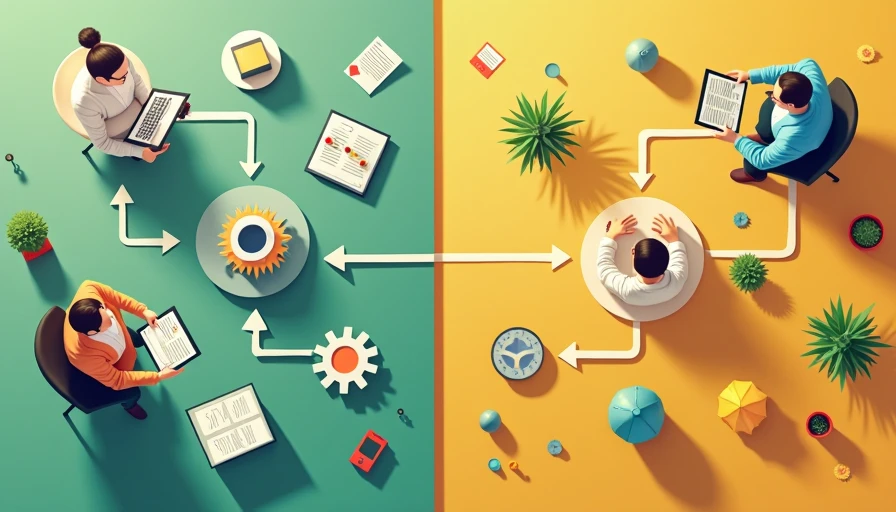
The difference between crm and marketing automation matters when you are paying for software but still missing calls, forgetting estimates, or sending follow-ups from a spreadsheet. These tools overlap, but they solve different problems. A customer relationship management system organizes conversations and customer records. Marketing automation runs scheduled or triggered messages and tasks. A small service business may need one, both, or neither.
I have seen owners buy a powerful platform because a salesperson promised an automated sales machine, then spend three months entering data into a system nobody uses. Before you buy the tool, find the leak. If leads disappear because nobody responds quickly, fix that workflow first. If existing customers are not receiving reminders or useful follow-ups, automation could earn its keep.
What a CRM actually does
A CRM is the working record of your relationship with a prospect or customer. It stores contact details, notes, call history, email exchanges, estimates, appointment information, and sales status. Instead of asking, “What happened with that gutter-cleaning lead?” you can open one record and see the answer.
For a cleaning company, a CRM might show that a homeowner requested a quote on Monday, received a $180 estimate on Tuesday, and has not replied. For a repair shop, it might show the vehicle issue, recommended work, previous visits, and the date of the last conversation. The point is visibility, not fancy technology.
Common CRM products include HubSpot CRM, Zoho CRM, Salesforce, Pipedrive, and industry-specific systems such as Jobber or Housecall Pro. They differ in price and depth. A solo operator can often start with a free or low-cost plan, while a growing team might spend $50 to $150 per user each month. The right system should make the next action obvious.
A CRM is especially useful when several people handle leads. It prevents the owner, office manager, and salesperson from calling the same prospect twice or assuming somebody else sent the estimate. It also gives you basic numbers: new inquiries, open quotes, won jobs, lost jobs, and average time to close.
What marketing automation actually does
Marketing automation handles repeatable communication based on time, customer behavior, or a specific event. It can send a welcome email after a form submission, remind a prospect about an unfinished quote, request a review after a completed job, or notify a customer that seasonal service is due.
Platforms such as Mailchimp, ActiveCampaign, Constant Contact, HubSpot Marketing Hub, and Klaviyo are built around campaigns, audiences, forms, and automated journeys. Some CRMs include these features, but the purpose remains different: automation sends the right message or creates the next task without someone remembering every step.
Imagine a small landscaping company. A new lead fills out a website form. Automation can send an immediate confirmation, alert the office, and send a second message two days later if nobody has booked an estimate. After the job, another sequence can request a review and offer spring cleanup to an existing customer. Those messages should be helpful and relevant, not a flood of generic promotions.
The value comes from consistency. If a follow-up takes five minutes and you receive 40 inquiries monthly, the manual burden can exceed three hours before anyone handles the actual sales conversation. A basic automated sequence might cost $20 to $100 monthly and save several hours, but only if the underlying message and handoff are clear.
The difference between crm and marketing automation in daily work
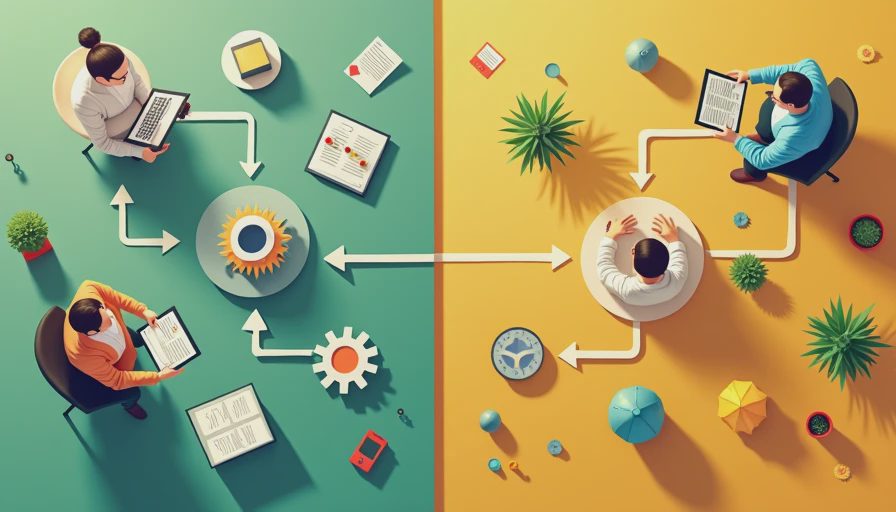
The simplest way to understand the difference between crm and marketing automation is to compare the questions each system answers. A CRM answers, “Who is this customer, what have we discussed, and what should happen next?” Marketing automation answers, “What message or task should happen automatically because of this event?”
A CRM is generally person-centered and record-centered. Automation is generally campaign-centered and trigger-centered. The CRM might show that a prospect is waiting for a quote. Automation might send a reminder three days after the quote is delivered. The CRM keeps the context; automation performs the repeatable step.
They can work together. A form submission can create a new CRM contact and enroll that person in a short follow-up sequence. When the prospect books, the CRM can move the deal to a new stage and stop the sales reminders. Without that connection, a customer could receive “Are you still interested?” after already paying an invoice, which makes a small business look disorganized.
You do not need an enterprise setup to get this benefit. A five-person HVAC company might use one service platform as its customer record and connect it to simple email or text reminders. A real-estate team may need a deeper CRM because several agents manage longer sales cycles. The workflow should determine the software, not the other way around.
Which tool should a small business buy first?
Start with the leak that costs the most money. If you cannot reliably track inquiries, quotes, appointments, and next actions, start with a CRM or field-service platform. A beautiful email sequence will not rescue a lead that was never assigned to anyone.
If your customer records are already organized but follow-ups are inconsistent, start with marketing automation. A clinic that knows which patients are due for an appointment can automate reminders. A pet-service provider with a clean customer list can send vaccination or grooming reminders. A home-service company can follow completed jobs with review requests and maintenance offers.
The difference between crm and marketing automation becomes less important when a single platform offers both functions. HubSpot, for example, can combine contact records with marketing workflows, while products such as Jobber focus more heavily on scheduling, quoting, invoicing, and customer communication. Bundling can reduce integration work, but it may also mean paying for features you never use.
For a small operation, look for a usable contact record, mobile access, email or text logging, reminders, simple reports, and an export option. Ask how long setup takes. If the workflow needs a 40-page manual, it is not ready for a five-person business.

A practical setup that can pay back
Suppose a local cleaning company receives 60 inquiries per month and currently loses five because nobody follows up after the first estimate. If the average first job is $220 and even two of those leads would book, the missed revenue is roughly $440 before recurring visits. Recovering one customer could cover a $50 to $100 monthly software bill.
The setup does not need ten campaigns. Create one pipeline with stages for new inquiry, contacted, estimate sent, scheduled, completed, and lost. Add an immediate acknowledgment, a personal follow-up task for the owner or office manager, and one reminder if the estimate remains unanswered. After completion, send a review request and a useful future-service reminder.
Measure response time, estimate-to-booking rate, completed jobs, review volume, and hours spent on follow-up. Do not measure success by the number of emails sent. If automation produces more messages but no booked work, it is decoration.
Also protect the customer experience. Let a person handle complaints, unusual requests, pricing exceptions, and sensitive account questions. Automated messages should identify the business, make it easy to reply, and stop when the customer books or asks not to receive further messages.
Common mistakes that waste money
The first mistake is buying both systems before documenting the process. Write down what happens from first inquiry to completed job. Mark every handoff, delay, and repeated task. That map usually reveals whether you need a better customer record, faster notifications, or a modest reminder sequence.
The second mistake is importing bad data. Duplicate contacts, old phone numbers, and unclear customer names make automation unreliable. Clean a small active list before moving thousands of records. The third mistake is automating too much too soon. Start with one workflow, watch it for two weeks, and adjust the timing and wording.
Another problem is ignoring ownership. A CRM cannot call a lead unless somebody is responsible for calling. Marketing automation cannot create trust when the offer is confusing. Assign a person, a deadline, and a clear next action for every new inquiry.
The decision you can make today
The difference between crm and marketing automation is straightforward: CRM helps you manage the relationship and its history; marketing automation helps you repeat timely communication. One organizes the work, while the other reduces the number of tasks someone must remember.
Today, export your last 30 inquiries and mark whether each received a response, estimate, follow-up, and final outcome. Count the leaks. If the records are scattered, choose a simple CRM first. If the records are solid but follow-up is manual, test one automation. Give it a clear monthly target, such as recovering one missed estimate or saving four administrative hours.
You do not need the fanciest tool. You need the right fix, a workflow your team will actually use, and a measurement that connects software to booked work.