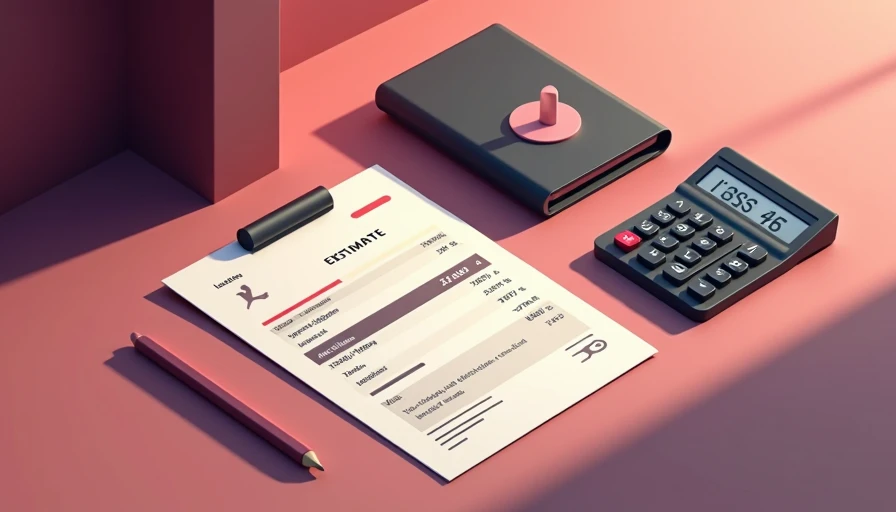
A free estimate template can save a small-business owner from rebuilding the same quote in a blank document every time a customer calls. For a cleaner, landscaper, handyman, painter, or repair company, a consistent estimate also makes the business look organized before the work begins. The goal is not to make a fancy form. The goal is to give the customer enough information to say yes and give your crew enough information to do the job correctly.
I have seen owners spend $50 to $150 per month on quoting software when a well-built document would have handled their current workload. If you send five estimates a week, start with a simple system. You can always add automation after you know where the actual leak is.
What a useful estimate needs to include
The best free estimate template starts with basic business and customer details. Put your company name, phone number, email address, website, and service area at the top. Add the estimate number, issue date, expiration date, and the name and address of the customer. Those small details prevent confusion when a customer has several contractors bidding on the same project.
Next, describe the work in plain language. “Remove leaves from front and back beds, haul away debris, and trim two shrubs” is better than “fall cleanup package.” A customer should understand what is included without calling you for translation. If a job includes materials, list them separately from labor. For example, a fence repair might show posts, concrete, hardware, disposal, and installation as distinct items.
Include the subtotal, taxes when applicable, discounts, deposit requirement, balance due, payment methods, and a clear total. If the price depends on hidden damage, access, material availability, or weather, state that before the customer accepts. A short notes section can prevent a long argument later.
Make the estimate faster without making it sloppy
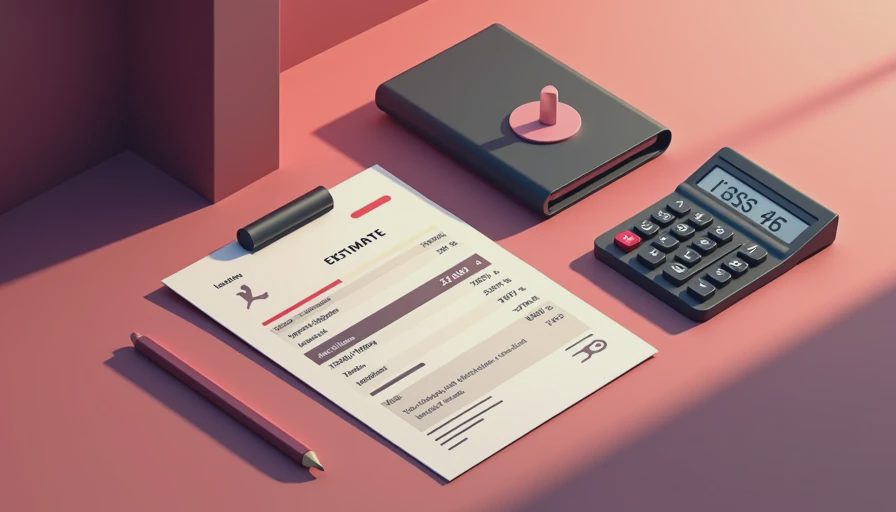
A free estimate template is useful only if your team can complete it quickly. Create standard descriptions for the jobs you sell most often. A cleaning company might save entries for a standard two-bedroom visit, move-out cleaning, refrigerator cleaning, and interior window service. A lawn company might keep separate descriptions for mowing, seasonal cleanup, mulch installation, and shrub trimming.
Use a spreadsheet if your prices change regularly. Google Sheets or Microsoft Excel can calculate quantities, line totals, tax, deposits, and balances automatically. Use a document if the work is more narrative and the price is usually custom. Google Docs works well for a polished proposal that includes a project description, exclusions, and acceptance language.
Keep the file easy to edit from a phone. A form that works only on a desktop in the office will create delays when you are standing in a driveway. Set up dropdowns for common services, but do not build a complicated calculator before you have enough repeatable jobs to justify it. If the workflow needs a 40-page manual, it is not ready for a five-person business.
What to write in the terms and exclusions
Many estimate problems come from vague expectations rather than bad pricing. Your free estimate template should explain what the customer is buying and what is outside the quoted price. A pressure-washing estimate could exclude moving heavy furniture, repairing damaged siding, and removing hazardous materials. A repair estimate could explain that additional work requires customer approval before it starts.
Keep the language readable. Instead of writing a page of legal wording, use short statements such as, “This estimate covers the services listed above. Work outside this scope will be quoted separately.” You can also state how long the price remains valid, such as 14 or 30 days, especially when material costs move around.
Do not use an estimate as a substitute for a contract when your work requires a formal agreement. Larger remodeling projects, recurring commercial work, and jobs involving substantial deposits deserve terms reviewed for your location and industry. For everyday service calls, a clear estimate and written customer approval can still eliminate many basic misunderstandings.
Turn an accepted estimate into a booked job
A quote is not finished when you email it. The next step should be obvious. Add a sentence telling the customer how to approve the work: reply by email, click an approval link, sign the document, or call the office. If they must hunt for your phone number, payment instructions, or scheduling process, some will simply move on.
Your free estimate template should also include a follow-up plan outside the document. Send the estimate shortly after the visit, then follow up the next business day if there is no response. A second message three to five days later is reasonable for many local services. Keep it direct: “I wanted to make sure you received the estimate for the deck repair. Do you have any questions about the scope or timing?”
An owner can handle this with Gmail templates, saved text messages, or a simple spreadsheet column showing sent, viewed, approved, declined, and follow-up due. Once you are sending dozens of estimates each month, software such as Jobber, Housecall Pro, or a CRM may reduce copying and scheduling work. Do not buy the subscription until the manual process shows you exactly what needs fixing.

A simple pricing example for a local service business
Imagine a small landscaping company quoting a spring cleanup. The estimate lists labor for four hours at $65 per hour, disposal at $85, mulch installation at $240, and a $50 discount for booking two services together. The subtotal is $535 before any applicable tax. The customer sees the work, the quantities, and the final amount instead of receiving a vague text that says, “I can do it for around $500.”
That detail helps in two ways. First, the customer can approve the exact scope. Second, the owner can review whether the job was profitable afterward. If the crew took six hours instead of four, the estimate becomes a reference point for improving future pricing. A template should support that learning, not just produce a professional-looking PDF.
For custom work, offer choices when they make sense. A cleaner might show a standard visit at $180 and an expanded option at $260 that includes inside appliances and baseboards. The customer gets control, while the owner avoids discounting the only package available. Keep the number of choices manageable; two or three options are enough for most small jobs.
When free is enough and when to upgrade
A free estimate template is usually enough when one owner creates fewer than 10 to 15 estimates per week, prices are fairly stable, and customers are comfortable approving by email or text. A spreadsheet plus a payment link may cover the entire workflow. Your monthly software cost can remain close to zero while you test demand and improve your descriptions.
Consider paid software when estimates are being lost, multiple employees create quotes, customers need online approvals, or accepted work must automatically become scheduled jobs. A $40 to $100 monthly tool can be worthwhile if it saves several administrative hours and recovers even one missed job. It is not worthwhile if you are paying for features nobody uses.
Before upgrading, track three numbers for 30 days: estimates sent, estimates accepted, and hours spent preparing and following up. Also note the average job value. If your close rate is low, new software may not be the answer. The problem could be slow response, unclear scope, weak pricing, or a missing follow-up.
Build yours today
Open Google Docs or Sheets and create the first version in under an hour. Add your business details, customer fields, estimate number, service description, line-item pricing, total, payment instructions, expiration date, exclusions, and approval instructions. Send it to yourself and read it on a phone. Fix anything that feels crowded or confusing.
Then use the free estimate template on your next three real quotes. Ask whether customers had questions, record how long each quote took, and revise the sections that caused friction. You do not need the fanciest tool. You need the right fix, and today that may be a clean document, a dependable follow-up reminder, and one less blank page to stare at.