Missed appointments and last-minute cancellations are quiet profit killers. A reminder system can reduce both. The danger is that the same system can make customers feel like they are being processed instead of served.
The difference is almost never the technology. It is the timing, the wording, and the amount of control you leave with the customer.
Why Most Reminder Systems Feel Off
They sound like they were written by the software.
They arrive at odd hours.
They give the customer no easy way to reschedule without calling and explaining.
They keep coming even after the customer has already confirmed.
A good system reduces no-shows while still feeling like a helpful note from a real business.
The Simple Three-Message Sequence
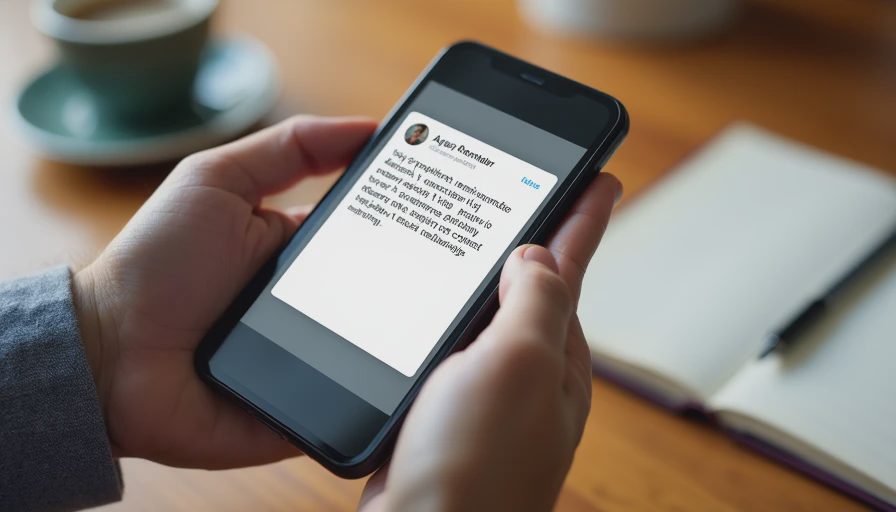
Message 1 – 48 hours before the appointment
Keep it light and useful.
“Hi [Name], just a reminder that we’re scheduled for [service] on [day] at [time]. Reply YES to confirm or let me know if you need to move it. Thanks.”
This gives the customer a clear, low-effort way to confirm or change the plan while there is still time to fill the slot.
Message 2 – Morning of the appointment
Only send this if they have not already confirmed.
“Hi [Name], we’re still on for today at [time]. Text me if anything has changed. Otherwise we’ll see you then.”
Short. Human. No extra instructions.
Message 3 – Optional same-day logistics (only when needed)
Use this only for jobs that require the customer to be present, provide access, or prepare the site.
“We’ll be there between [window]. The tech is [Name] if you need to reach us.”
Skip this message for straightforward jobs that do not need the customer home.
Rules That Keep It From Feeling Managed
Always allow an easy reply. “Reply YES” or “Text me if you need to change” is enough.
Stop the sequence as soon as the customer confirms or reschedules.
Do not send reminders late at night or before 8 a.m.
Use the same name and number the customer already knows when possible.
Review the wording once a quarter. If it starts to sound stiff, rewrite it in your normal voice.
How to Set It Up Without Extra Complexity
Most phone systems, scheduling tools, and even simple texting platforms can handle this with basic automation. The trigger is the appointment date. The actions are the three messages above, with a rule that cancels the remaining messages once a confirmation is received.
If your current tools cannot do it cleanly, a lightweight texting service with scheduled messages is usually enough. You do not need a full customer-experience platform to solve this problem.
What Success Looks Like

No-show and last-minute cancellation rates drop.
Customers reply more often because the messages are easy to handle.
Your team spends less time chasing people and more time doing the work.
The reminders feel like part of good service instead of a corporate system.
You don’t need the fanciest tool. You need the right fix.
Write the three messages today in your own voice. Set them up on the next ten appointments. Adjust the timing or wording once based on the replies you get. That is usually all it takes to make the system both effective and human.